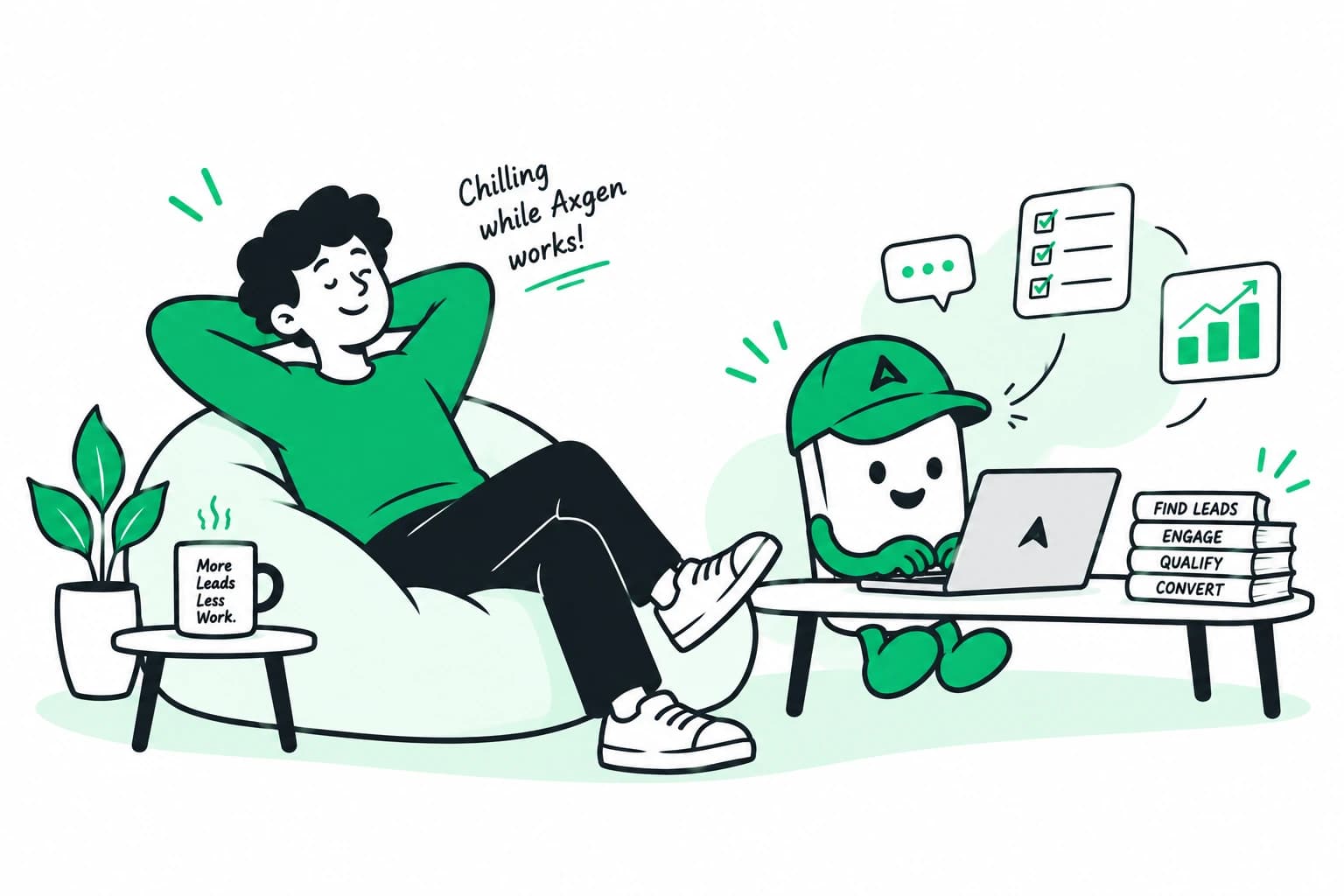
Zoho CRM + WhatsApp, so leads are answered — not just logged.
Your Zoho is a record of what already happened. Connecting it to WhatsApp through Axgen means the lead is answered, qualified and followed up first — and the record writes itself.
To connect Zoho CRM to WhatsApp with Axgen, you link your WhatsApp Business number and authorise Zoho once, on a 30-minute setup call. After that every WhatsApp enquiry is answered in seconds, qualified during the conversation, and written into Zoho as a lead with the full transcript attached.
Why do WhatsApp leads never reach Zoho?
Because somebody has to put them there. A lead messages your WhatsApp at 10:40 pm. Whoever owns that phone sees it the next morning, replies if they have time, and copies the details into Zoho if they remember. Two of those three steps are optional in practice, and the one that gets skipped most is the third.
So the CRM fills up with the leads someone had time to type in, and the pipeline you are looking at is not the pipeline you actually have. The gap is not a Zoho problem. It is the hour between the message arriving and a person seeing it.
What happens between the message and the record?
The lead messages, and Axgen repliesWithin seconds, at any hour, using your business, your projects and your way of selling. No one has to be awake.
It qualifies in the conversationWhat they need, where they are, when they are ready and what they can spend — asked naturally, as part of the reply, not as a form.
Zoho gets the lead and the contextA record with the details captured from the conversation and the full transcript attached. Nobody types anything.
Your salesperson picks up a real opportunityNot an unread WhatsApp thread. They open Zoho and already know who this is, what they asked for and what was promised.
What gets written into Zoho?
Everything a salesperson would have typed in, if they had typed it in.
| Written to Zoho | Where it comes from |
|---|---|
| Name and number | The WhatsApp conversation itself |
| What they are asking for | Answered in the opening exchange |
| Budget and timeline | Asked during qualification, in your words |
| Campaign and ad | The click that brought them to WhatsApp |
| Full transcript | Every message, with timestamps |
| Status and next step | Being handled, waiting on a date, or closed with a reason |
Is this a connector or a salesperson?
Worth being precise about, because the two get sold under the same word. A connector moves messages between WhatsApp and your CRM. It is genuinely useful and it does not sell anything — a lead that arrives at midnight still waits until morning, it just waits inside Zoho instead of inside a phone.
| A WhatsApp connector | Axgen | |
|---|---|---|
| Moves the message into Zoho | Yes | Yes |
| Replies to the lead | No | In seconds, at any hour |
| Qualifies the lead | No | During the conversation |
| Follows up when there is no reply | No | Yes, more than once |
| Fills in the record | The message thread | The details, plus the thread |
| Hands over to a person | n/a | On request, and it stops replying |
Does Axgen replace Zoho?
No, and it is not meant to. Zoho stays the place your team works: your pipeline, your reports, your record of the account. Axgen handles the part that happens before a deal is worth a salesperson’s time — the reply, the qualifying and the chasing — and then writes what happened into Zoho.
What do I need before starting?
- A WhatsApp Business number your leads already message.
- A Zoho CRM account you can authorise.
- Roughly 30 minutes for the setup call.
- Your prices, or the part of them you are willing to have quoted. Axgen never quotes anything you have not approved.
See the cost of waiting
If you would rather start with the size of the problem than the fix, the lead response calculator works out what late replies cost you every month, using your own numbers.
Common questions.
No. Axgen runs on the same WhatsApp Business number your customers already message and the same ad account you already run. Nothing your customers see changes. Connecting a number to the WhatsApp Business API does mean it leaves the WhatsApp Business app on your team's phones — that trade-off, and everything else Zoho asks for, is in what it takes to connect Zoho CRM to WhatsApp.
No. Axgen adds to Zoho CRM — new leads, and new activity on the ones already there. Your existing records, custom fields, pipelines and workflow rules stay exactly as they are. Zoho remains the place your team works; Axgen handles the conversation that happens before a deal is worth their time.
Yes, and Axgen stops the moment they do. The customer never receives two replies at once. Everything said before the handover is already written into Zoho, so whoever picks up has the context without scrolling back through WhatsApp. The four steps covers what that handover contains.
Axgen quotes only the prices you have approved. For anything outside that it says it will check and flags it to your team rather than guessing, and it will not commit to dates or discounts on your behalf. What it will not do lists the rest of those limits.
One call, about 30 minutes. You answer six questions about how you sell and look at 20 sample leads to confirm Axgen judged them the way you would. We connect Zoho during that call — the Meta prerequisites Zoho itself needs are listed in what it takes to connect Zoho CRM to WhatsApp.
Pricing is not fixed yet. Businesses on the waitlist hear first, with no commitment. WhatsApp messaging itself is charged by Meta per message and billed separately from any tool you use — how that pricing actually works, including the window that makes replying fast free.
It depends on your lead volume, how many go unanswered, what share normally buy, and what an order is worth. The lead response calculator works the monthly figure out from your own four numbers — for most businesses running paid ads it comes to more than the ad budget that produced those leads.